
Home / Blogs / How to Reduce Excel Dependency When You Have ERP Reporting
How to Reduce Excel Dependency When You Have ERP Reporting

If you’ve invested in Power BI dashboards and ERP reporting and weren’t satisfied with the results, you’ve come to the right place. One of our clients had very clean-looking dashboards… and were still relying on Excel for most of their reporting process. Let’s look at why this happens and what can help.
What is ERP reporting efficiency (and why is it still low)?
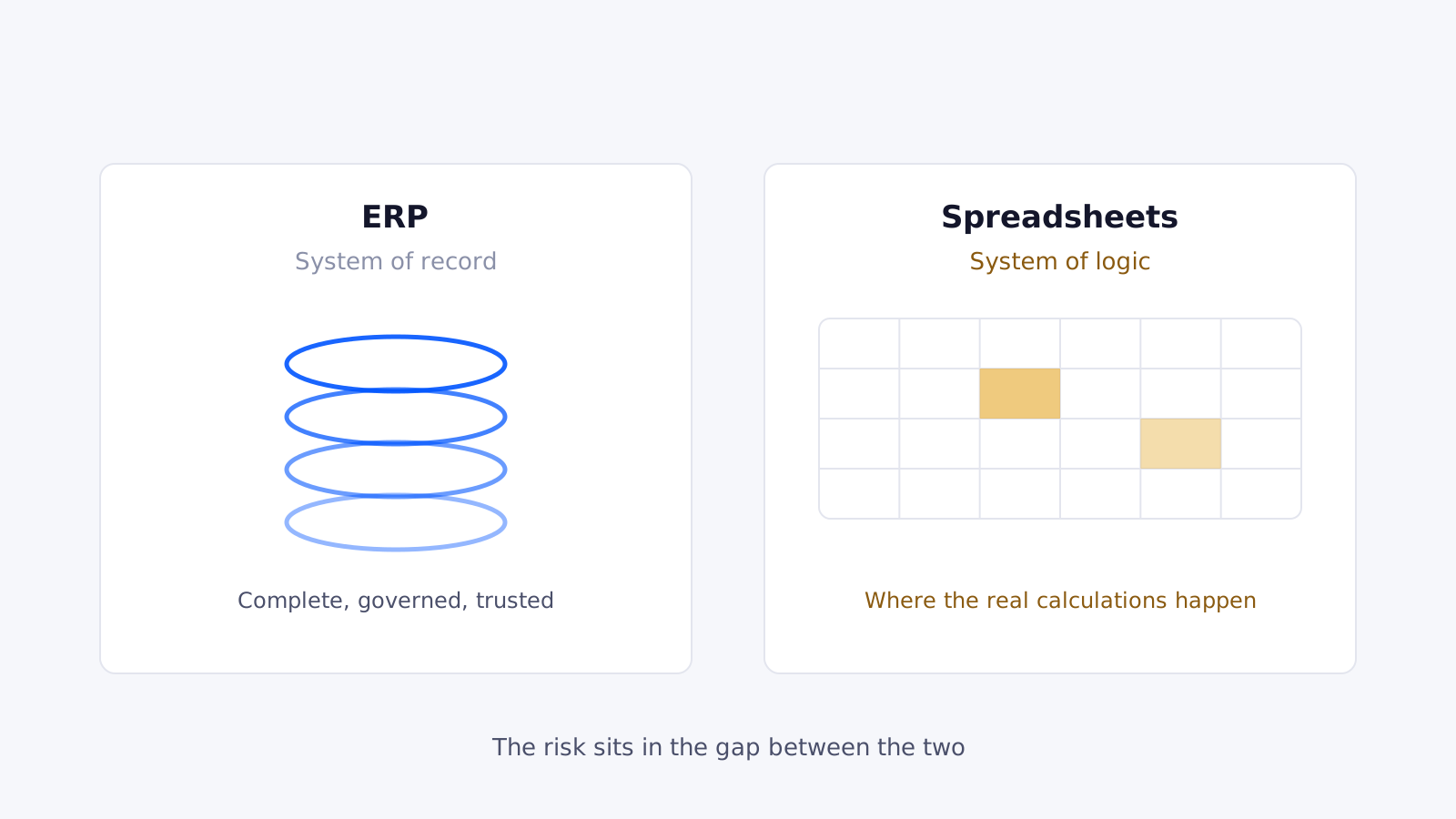
ERP reporting efficiency is the ability to extract, analyse and report on financial data directly from your systems without relying on manual workarounds. Most finance teams are only halfway there: the ERP holds the data, but Excel still holds the logic. That gap is where reporting efficiency breaks down.
Why do finance teams export ERP data into Excel?
ERP limitations
ERPs are great at recording transactions, but not always at flexible reporting, cross-entity analysis or custom financial views. So finance teams fill the gap themselves by exporting data and building logic manually — and reporting efficiency starts depending on spreadsheets, not systems.
“Temporary fixes” become permanent
It usually starts small: a quick adjustment, a mapping table, a workaround for consolidation. But these fixes rarely stay temporary — they become part of the process, creating a shadow reporting system outside your ERP that reduces efficiency every month.
Excel dependency
Excel isn’t the issue — dependency is. When reporting relies on spreadsheets, multiple versions exist, logic isn’t standardised, audit trails are weak and key-person risk increases. Even when your ERP is solid, your reporting is only as strong as your weakest spreadsheet.
What does this look like in real life?
The “export and fix” cycle. A finance team exports trial-balance data every month, then adjusts mappings manually, adds missing data and reconciles differences. By the time reporting is complete, the final numbers don’t actually exist in the ERP anymore — they exist in Excel.
Why does this matter more in manufacturing?
Manufacturing adds layers of complexity — inventory movements, cost allocations, multiple entities and operational data. Your ERP may capture it all, but if it can’t connect it cleanly for reporting, Excel steps in and efficiency drops.
How can you improve ERP reporting efficiency?
Remove the spreadsheet layer
You don’t need to eliminate Excel completely, but you do need to remove it from core reporting logic, data transformation and consolidation — that’s where efficiency is lost.
Integrate your systems properly
Instead of exporting data, connect your ERP, operational systems and reporting tools, create automated data pipelines and standardise data structures — keeping data in one flow.
Make reporting traceable
Every number should be explainable, traceable and consistent. If you can’t trace a number without opening multiple spreadsheets, your reporting efficiency is already compromised.
Key takeaways
- Reporting efficiency depends on how you actually use the ERP.
- Excel dependency is the biggest hidden blocker.
- Removing manual layers restores speed, control and confidence.
FAQs
Why do finance teams still use Excel with ERP systems?
Because ERPs often lack flexible reporting, leading teams to build manual workarounds.
Is Excel bad for finance reporting?
No, but relying on it for core reporting logic reduces ERP reporting efficiency.
How can ERP reporting efficiency be improved?
By integrating systems, automating data flows and removing manual adjustments.
Ready to trust your numbers again?
Book a free 30-minute call and we’ll talk through your current reporting and what’s possible.